🎉 Free to try · no app needed
Fun AI Photo Generator & Editor
Turn any photo into something hilarious.
Describe any edit and let AI do the rest — or pick a one-tap tool for action figures, cartoons, memes, avatars and holiday cards.
✨ Create anything
Free to try — no sign-up needed. Only upload photos you have permission to use.
Powered by OpenAI GPT Image (gpt-image-2 and gpt-image-2.5) · Content policy
🔥 Popular right now
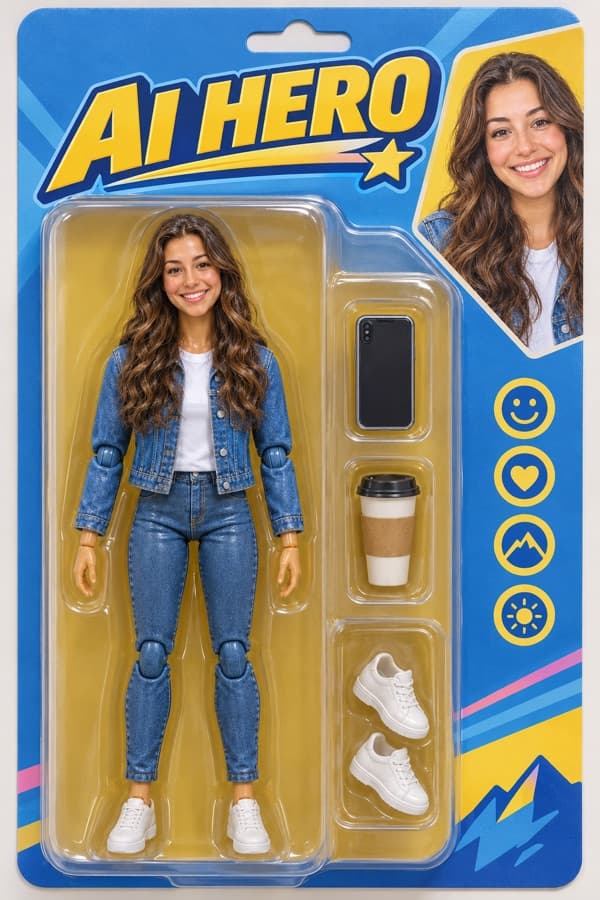
 🔥 Trending
AI Action Figure
Turn yourself into a boxed collectible toy


3D Cartoon Me
Become an animated movie character
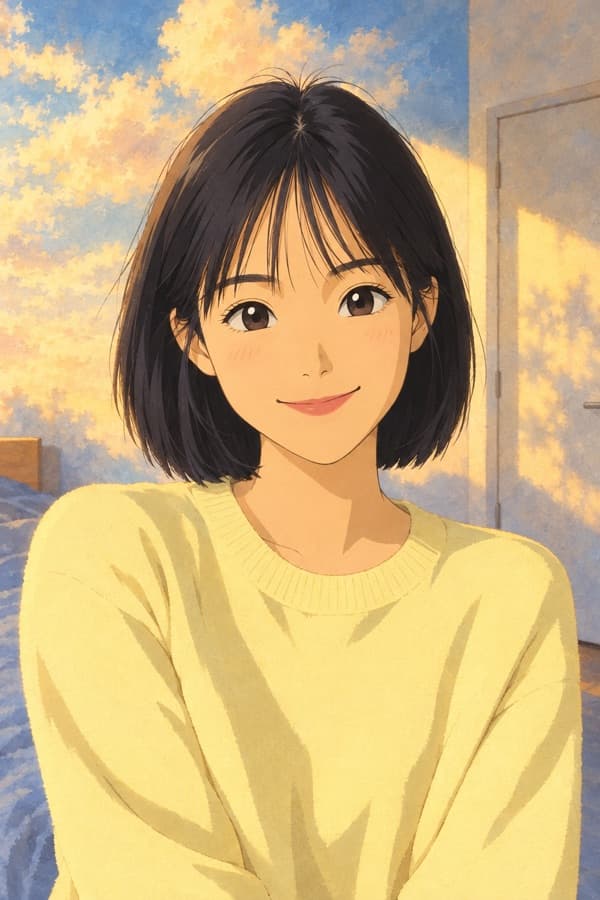

Anime Me
Hand-drawn anime film style


Old Me
See yourself at 80


Magazine Cover Star
You, on the cover
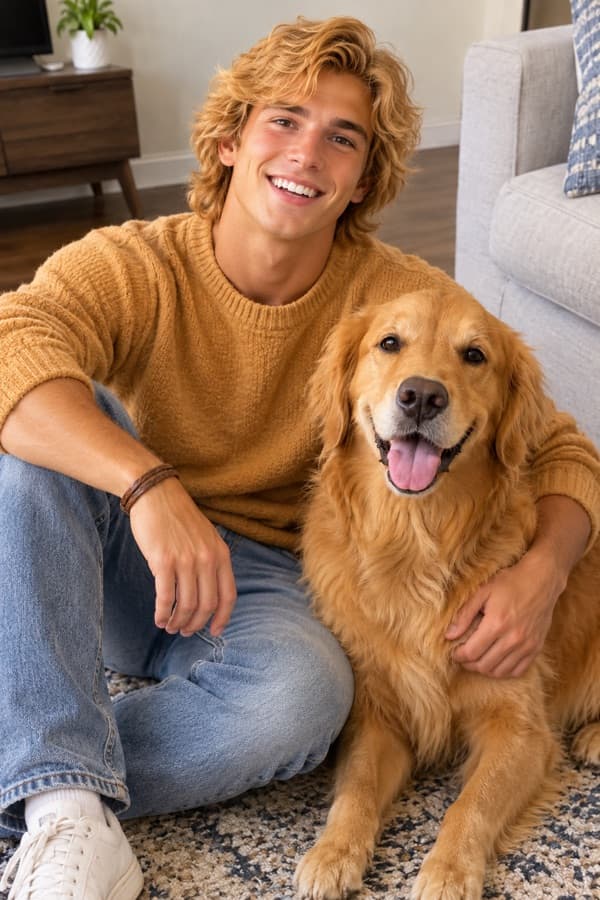

Pet as Human
What if your pet were a person?


Christmas Card
A cozy holiday greeting starring you
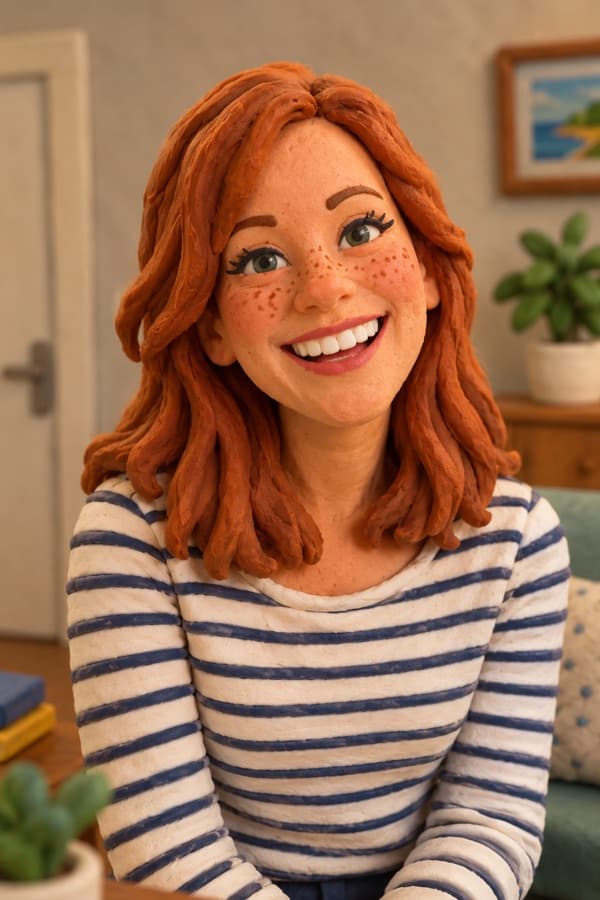
🎨 Cartoon & Anime
3D, anime, clay, toy box

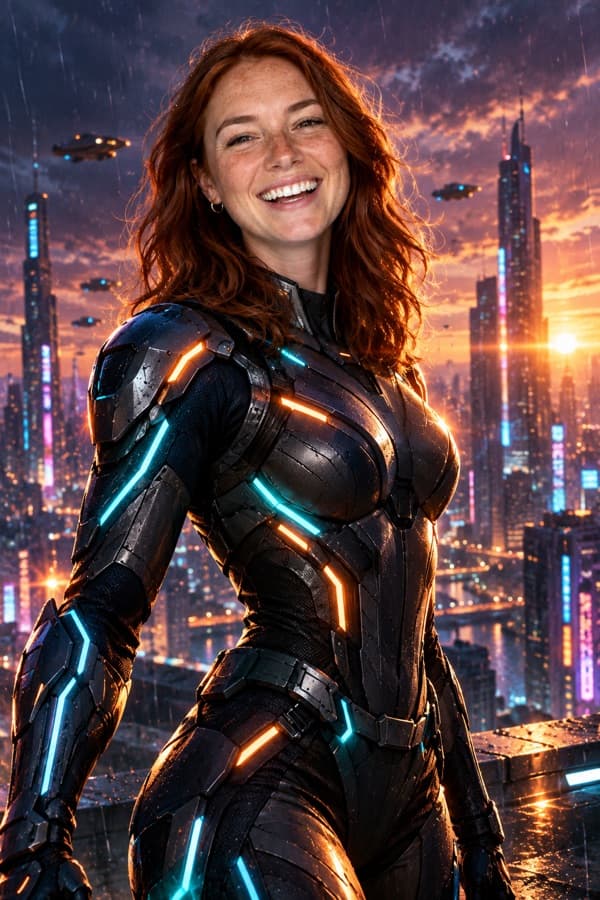
🤪 Funny & Memes
Covers, posters, heroes


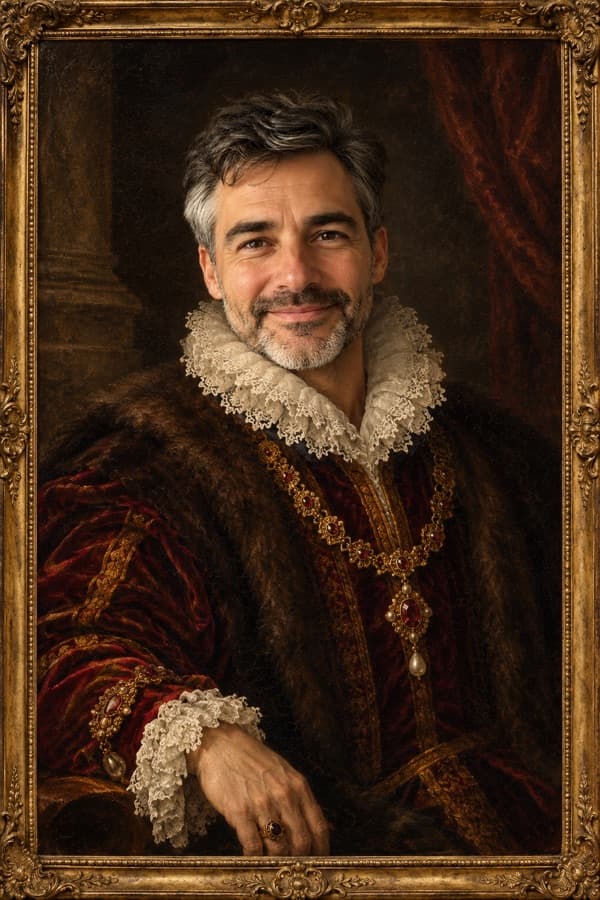


🪄 Face Filters
Old, baby, glow-ups
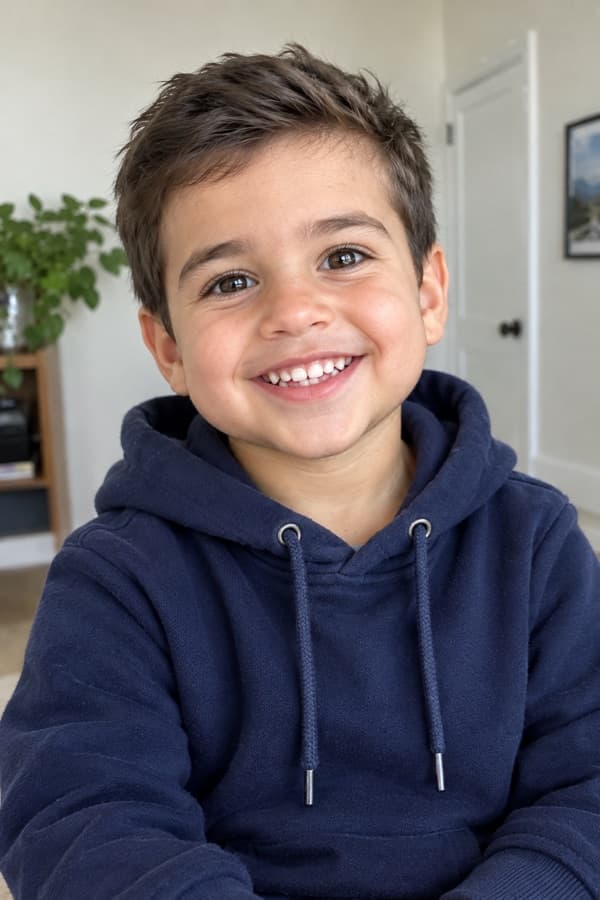

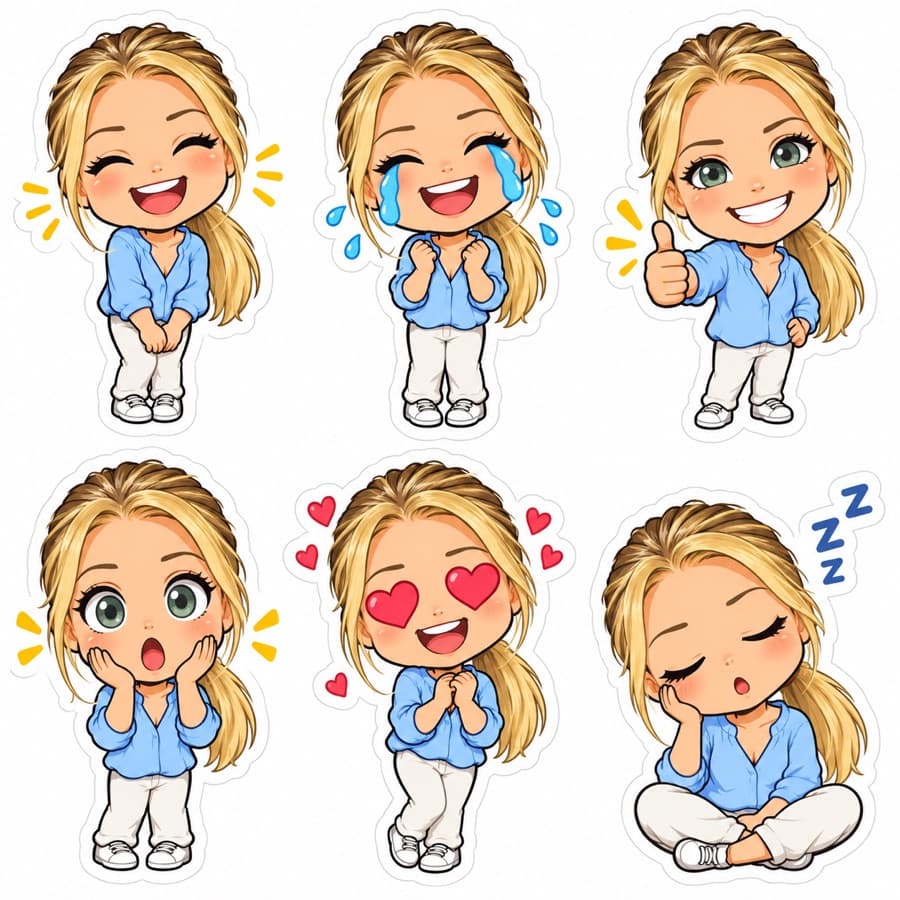
🧑🚀 Avatars
Pixel, stickers, headshots





💌 Holiday Cards
Christmas, Halloween, New Year




🐾 Pet Mode
Your pet, but funnier
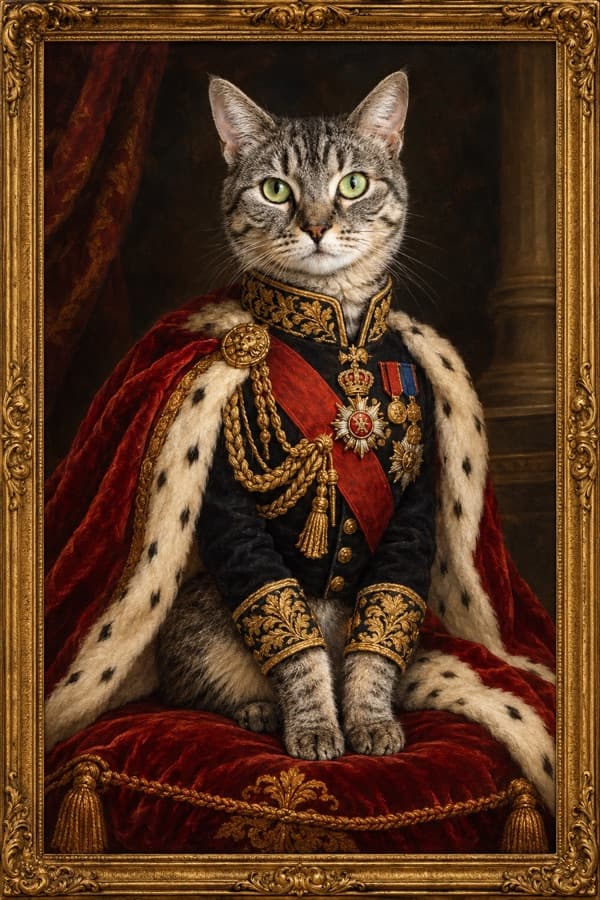
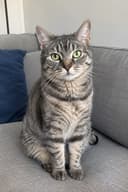
How It Works
- 1
Pick a tool or describe it
Choose a one-tap style like Action Figure or Old Me, or type any edit you can imagine.
- 2
Upload a photo
A clear photo of you, a friend or your pet. No photo? Text-only works in the AI Photo Editor.
- 3
Download & share
Get your image in 1–2 minutes, then download it or share a link with a big preview.
Frequently Asked Questions
Is FunPhotoAI free?
Yes. You can try it once without signing up, and signed-in users get 20 free credits (4 images) every day. Paid plans and credit packs remove the watermark.
Do I need to write prompts?
No. Every tool is one tap — just upload a photo. If you want full control, the AI Photo Editor lets you describe any change in plain English.
What happens to my photos?
Photos are only used to create your image. Uploads are deleted automatically within 24 hours and are never used to train AI models.
Which AI model does FunPhotoAI use?
Images are generated with OpenAI GPT Image (gpt-image-2 and gpt-image-2.5). Every prompt, upload and result is also screened by OpenAI GPT-5.6 for safety before you see it.
How do I report an inappropriate image?
Use the "Report this image" link on any shared image, or email support@funphotoai.com. A person reviews every report, usually within 1 business day. See our Content Policy for details.
Can I use it on my phone?
Yes. FunPhotoAI works in any modern mobile or desktop browser — no app to install.
What kind of photos work best?
Clear, well-lit photos where faces are visible. For person tools, a front-facing photo of one person gives the most recognizable results.